N menu
BloxStrike settings
Updated 2026-10-16
Destructoid’s April 2026 guide documents N for settings during a round, with video, audio, game, and keybind categories. Use the published clarity preset as a starting point, record your defaults, and test one change at a time.
A preset people copy, labeled as a preset
bloxstrike.wiki’s settings page suggests Global Shadows off, Glass Shatter off, First Person Tracers on, Muzzle Flash off, and Ragdolls off. Radar rotating on, HUD size 1.3, map zoom 0.7, and ping/FPS on. I did not re-measure those sliders in a client this week. Use them as a starting point from that wiki, then change whatever hides information you need.
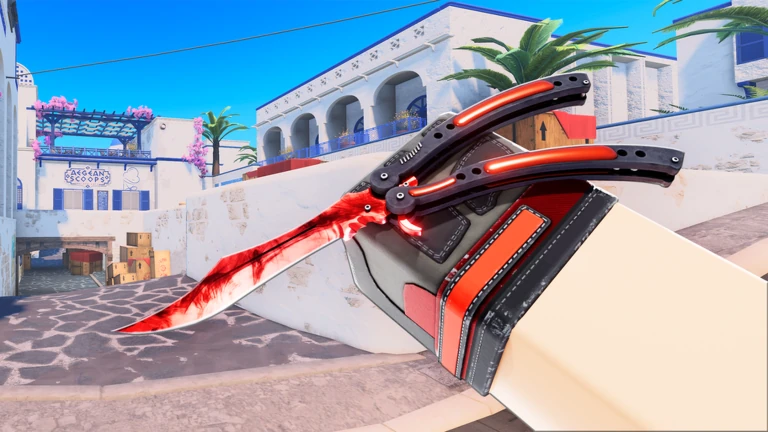
Viewmodel and hands
Destructoid recommends X, Y, and Z offsets at 0 as a baseline. Offsets reposition the model; they do not establish a mirrored left-hand option. The viewmodel page explains how to adjust safely without claiming an unverified hand switch.
What belongs on a subpage
For sensitivity, measure cm/360 and use same-DPI calibration; eDPI alone cannot match two games. For poor performance, Roblox Support documents its own Graphics Mode and Graphics Quality controls. The developer announced an in-game aspect ratio changer on 6 October 2026; specific 4:3 steps and FOV 120 remain unverified. See the FOV and resolution page for that distinction.
FAQ
Do I also change Roblox’s graphics level?
Possibly, but I have no source that maps Roblox’s graphics slider onto these in-game toggles. Change one at a time so you know which click helped.
Where is the best viewmodel?
Published advice is “offsets at 0” plus whatever left or right hand the client exposes. See the left-hand page before you assume a button name.