Movement
How to bhop in BloxStrike
Updated 2026-10-16
Chain a jump with a sideways input and a matching camera turn, then time the next jump on landing. The steps below follow maara’s public 19 August 2026 BloxStrike demonstration, including its keyboard overlay. This is observation of player footage, not gameplay tested by this site.
Set up normal movement inputs
Open the settings gear, then Keybinds. Destructoid’s published settings screenshot shows W forward, A/D strafe, Space jump, and LeftControl crouch. Its article also documents N to open settings during a round. These are dated defaults; use your own displayed bindings if you changed them.
The player demonstration uses a knife and shows the keyboard and mouse inputs in the lower-left corner. Its chapters separate Air Strafe at 0:17, Timing Jumps at 0:33, and Crouch Jumping at 0:40. Use a safe practice opportunity; the warmup shown in that recording is not proof that a private server is currently available.
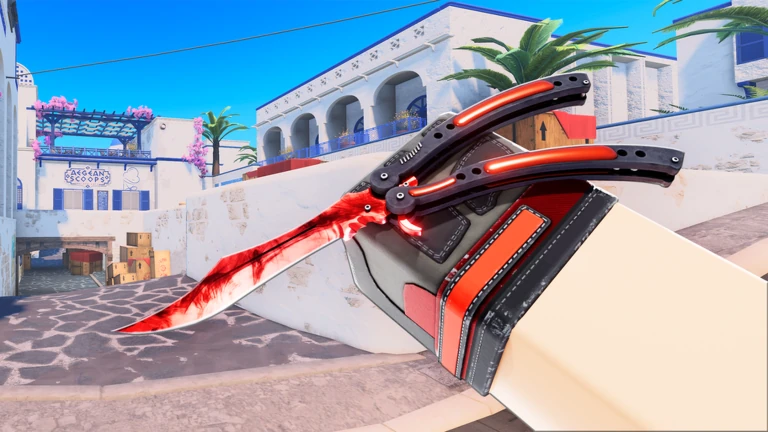
Air strafe, land, and jump again
At 0:17–0:26 the demonstration introduces air strafing and starts with a running approach. In the air, use A with a smooth left camera turn, or D with a smooth right turn. The overlay and footage show lateral inputs and camera movement; do not hold both sideways directions together.
At 0:33–0:39 the player combines the turns with successive timed jump inputs. Jump again as you land, then alternate to the other strafe and matching turn. Start with two connected jumps before attempting a long route. This describes the visible input sequence, not a measured acceleration formula.
At 0:40–0:46 the video demonstrates crouch jumping onto a box. Add your crouch input to the jump when attempting that obstacle; do not assume every box or every mode has the same movement rules. No speed cap, exact timing window, or advantage over normal running was measured here.
Why the script queries exist
Use manual inputs. No macro, injector, or automated jumping method is provided. The August recording and comments are not a developer specification for today’s Casual, Deathmatch, or competitive physics, and this guide does not promise unlimited speed or identical results in all modes.
FAQ
Which keys does this sequence use?
W for the approach, A/D for sideways movement, Space for jump, and LeftControl for the demonstrated crouch jump, using the published keyboard defaults. Check Settings > Keybinds for your own layout.
Does this prove bhopping is faster today?
No. The recording demonstrates connected jumps and air strafes. It does not measure the current speed cap, acceleration, or differences between modes.
Will a macro get me banned?
No tool-specific enforcement claim is verified here. Do not use cheating or exploit tools; Roblox warns they can violate rules and expose account credentials.